


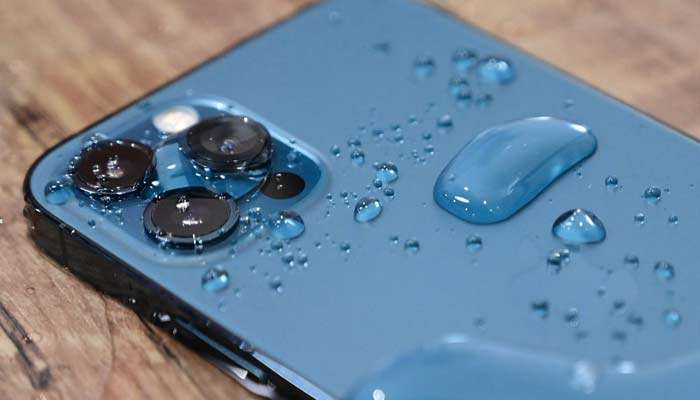
As spring brings rainy weather, there’s an increased risk of dropping your iPhone in water. Despite many smartphones being water-resistant, it’s crucial to remember they’re not waterproof. Here are Apple’s tips for reviving a wet iPhone:
- Dry Thoroughly: Immediately dry your iPhone with a gentle, lint-free cloth if it gets wet.
- Remove Excess Water: Gently tap your phone with the charging port facing downward to remove any extra water.
- Wait and Ventilate: Place your iPhone in a dry, well-ventilated area for at least five hours. You can speed up the process by using a fan pointed at the charging port.
After waiting, try turning your iPhone back on. If you’re still experiencing issues, consider seeking help from an Apple store. These tips can potentially save you from having to replace your device due to water damage.
Advertisements
Advertisements